We are porting our application to Oak 4 D and DepthAI v3 but we are encountering issues with the Warp node. I have found that it fails to apply the identity warp mesh when the output resolution has not the 16×9 ratio. The result are images of this kind:
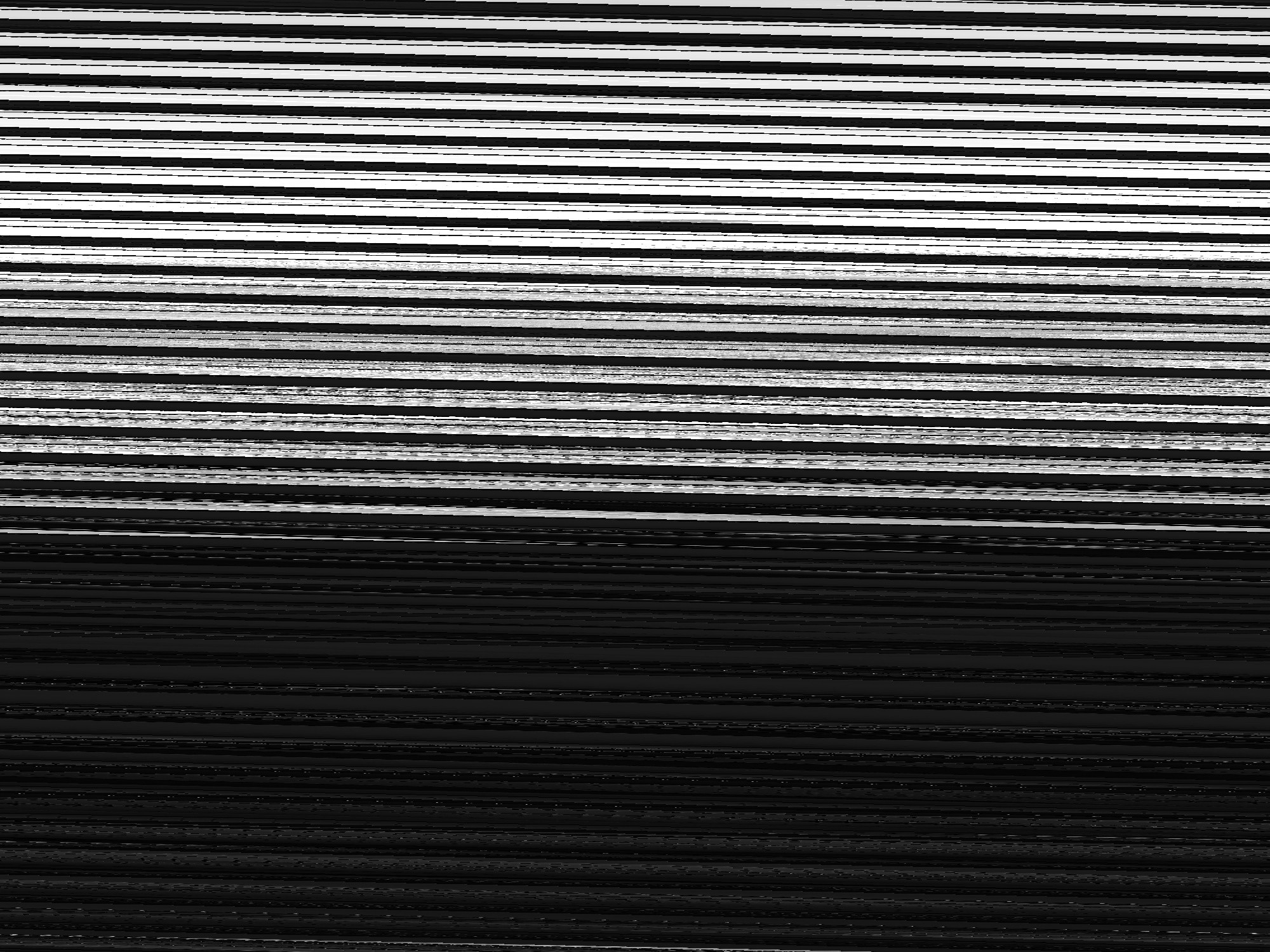
Here it is a minimal reproducible example:
import cv2
import depthai as dai
# OK
RESOLUTION = 7680, 4320
# RESOLUTION = 4096, 2160
# RESOLUTION = 2560, 1440
# RESOLUTION = 1920, 1080
# Error
# RESOLUTION = 8000, 6000
# RESOLUTION = 4000, 3000
# RESOLUTION = 2000, 1500
with dai.Pipeline() as pipeline:
center = pipeline.create(dai.node.Camera).build(
boardSocket=dai.CameraBoardSocket.CAM_A,
sensorFps=10
)
rectify = pipeline.create(dai.node.Warp)
# Identity warp mesh
p0, p1, p2 = dai.Point2f(0, 0), dai.Point2f(RESOLUTION[0] / 2, 0), dai.Point2f(RESOLUTION[0], 0)
p3, p4, p5 = dai.Point2f(0, RESOLUTION[1] / 2), dai.Point2f(RESOLUTION[0] / 2,
RESOLUTION[1] / 2), dai.Point2f(
RESOLUTION[0], RESOLUTION[1] / 2)
p6, p7, p8 = dai.Point2f(0, RESOLUTION[1]), dai.Point2f(RESOLUTION[0] / 2,
RESOLUTION[1]), dai.Point2f(
*RESOLUTION)
rectify.setWarpMesh(dai.VectorPoint2f([
p0, p1, p2,
p3, p4, p5,
p6, p7, p8,
]), 3, 3)
rectify.setOutputSize(RESOLUTION)
rectify.setInterpolation(dai.Interpolation.BILINEAR)
center.requestOutput(
size=RESOLUTION,
type=dai.ImgFrame.Type.GRAY8
).link(rectify.inputImage)
outputQueue = rectify.out.createOutputQueue()
pipeline.start()
while pipeline.isRunning():
img: dai.ImgFrame = outputQueue.get()
print(img.getWidth(), img.getHeight())
cv2.imshow("camera", img.getCvFrame())
if cv2.waitKey(1) == ord("q"):
break
On the other hand, when setting CAMERA_RESOLUTION = 3840, 2160, the camera provides a couples of images and then fails with
[1794514592] [192.168.137.246] [1784725226.902] [Warp(1)] [info] Input image convert time: 3us
[1794514592] [192.168.137.246] [1784725226.902] [Warp(1)] [info] Running wrap on received image.
[1794514592] [192.168.137.246] [1784725226.910] [Warp(1)] [info] Input wrap time: 7472us
[1794514592] [192.168.137.246] [1784725226.910] [Warp(1)] [info] Image sent out.
[1794514592] [192.168.137.246] [1784725226.910] [Warp(1)] [info] Waiting for image.
[1794514592] [192.168.137.246] [1784725226.929] [XLinkOut(2)] [debug] XLinkOut total took 152.383ms, processing 0ms, getting_frames 33.748ms, sending_frames 118.633ms
3840 2160
[1794514592] [192.168.137.246] [1784725227.002] [Warp(1)] [info] Input image convert time: 4us
[1794514592] [192.168.137.246] [1784725227.002] [Warp(1)] [info] Running wrap on received image.
[1794514592] [192.168.137.246] [1784725227.010] [Warp(1)] [info] Input wrap time: 7507us
[1794514592] [192.168.137.246] [1784725227.010] [Warp(1)] [info] Image sent out.
[1794514592] [192.168.137.246] [1784725227.010] [Warp(1)] [info] Waiting for image.
[1794514592] [192.168.137.246] [1784725227.039] [XLinkOut(2)] [debug] XLinkOut total took 109.595ms, processing 0.001ms, getting_frames 0.084ms, sending_frames 109.509ms
3840 2160
[1794514592] [192.168.137.246] [1784725227.094] [Camera(0)] [error] Resizer encountered an error: DS: Assert (outFrame->data->getData().size() >= minMemSize)
[1794514592] [192.168.137.246] [1784725227.151] [XLinkOut(2)] [debug] XLinkOut total took 111.59ms, processing 0ms, getting_frames 0.01ms, sending_frames 111.58ms
[1794514592] [192.168.137.246] [1784725227.167] [system] [info] Memory Usage - DDR: 2628.24 / 7201.83 MiB
[1794514592] [192.168.137.246] [1784725227.167] [system] [info] Temperatures - Average: 33.90 °C, cpuss 34.60 °C, gpuss 33.20 °C, mdmss 33.70 °C, video 34.90 °C, ddr 33.30 °C, camera 33.70 °C
[1794514592] [192.168.137.246] [1784725227.167] [system] [info] Cpu Usage - Average: 11.42%, [0]: 29.90%, [1]: 6.00%, [2]: 9.00%, [3]: 9.80%, [4]: 8.74%, [5]: 6.86%
Is there a way to operate at full sensor resolution 8000×6000, or at least 4000×3000?
