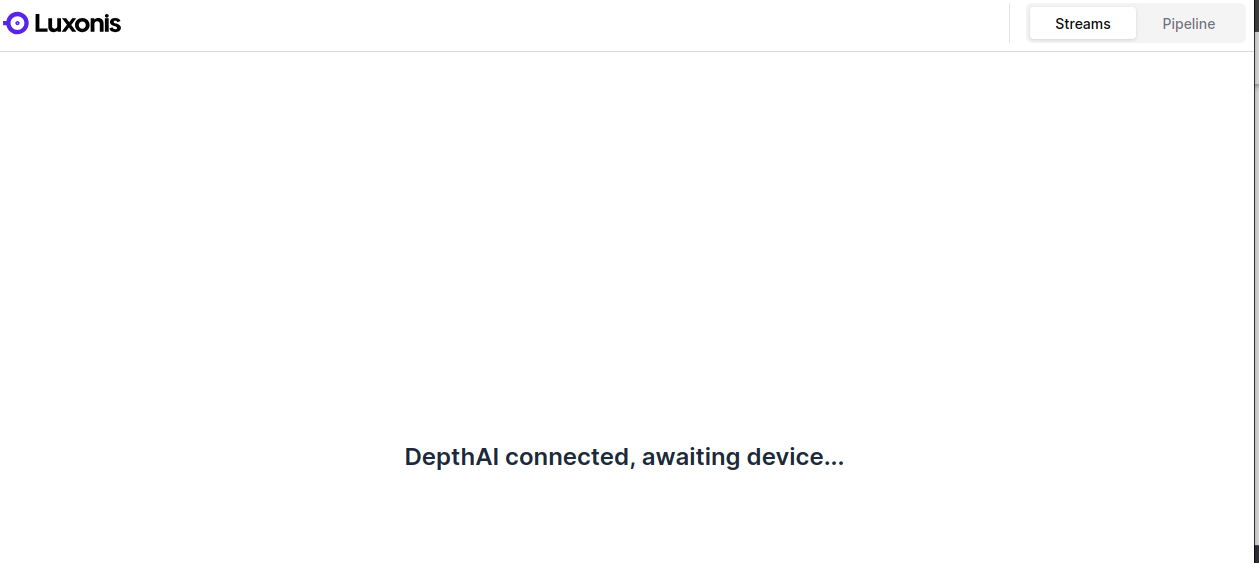
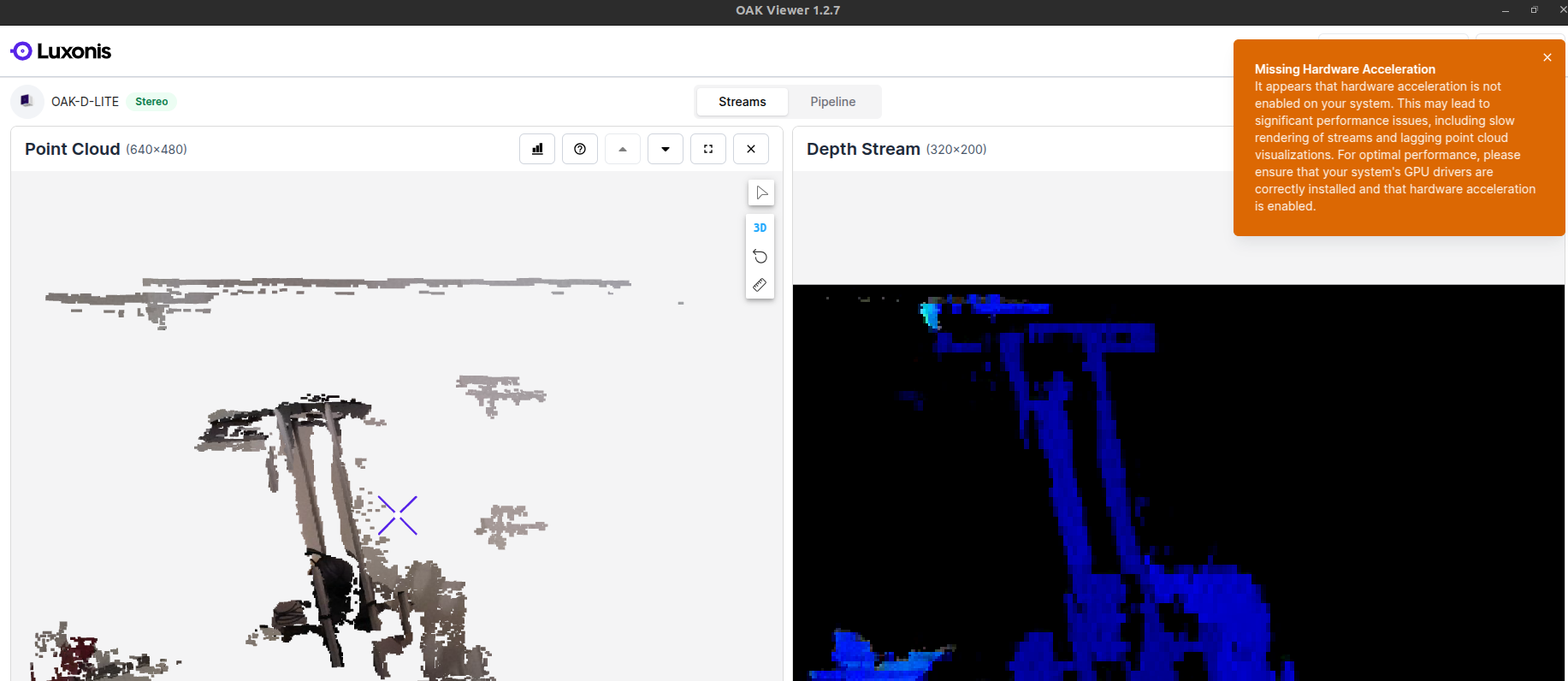
@OskarSonc Sorry for the late reply, I'm still interested in solving this camera issue.
I can confirm that only one camera has an IMU and that is the camera where the RGBD example is not working.
Below is the output for the IMU detection and a section from the associated calibration json file for each camera.
camera 1 (RGBD examples not working) : IMU type: BMI270
"imuExtrinsics": {
"rotationMatrix": [
[
1.0,
0.0,
0.0
],
[
0.0,
1.0,
0.0
],
[
0.0,
0.0,
1.0
]
],
"specTranslation": {
"x": -3.1500000953674316,
"y": 0.6000000238418579,
"z": 0.0
},
camera 2 (RGBD examples working): IMU type:
"imuExtrinsics": {
"rotationMatrix": [
[
0.0,
0.0,
0.0
],
[
0.0,
0.0,
0.0
],
[
0.0,
0.0,
0.0
]
],
"specTranslation": {
"x": 0.0,
"y": 0.0,
"z": 0.0
},
Next steps:
I have set up a depthai v2 workspace, as you suggested, to try out the temporary load approach. The calibration_load.py script provides as input a ../models/depthai_calib.json file. Is this the json file I should load onto the camera?
Or should I load the json file from the working camera, generated using the script you provided, linked above on 13 Aug?
Or is there a calibration json file you can provide for me to load (that includes IMU calibration params)?
After successfully running calibrationload.py, should I just try run the failing RGBD example script again on the camera without unplugging it? I assume the script only updates the params temporarily and not the EEPROM but I'm not sure if this persists once the script ends or if I'll need to incorporate the RGBD code into calibration_load.py?